
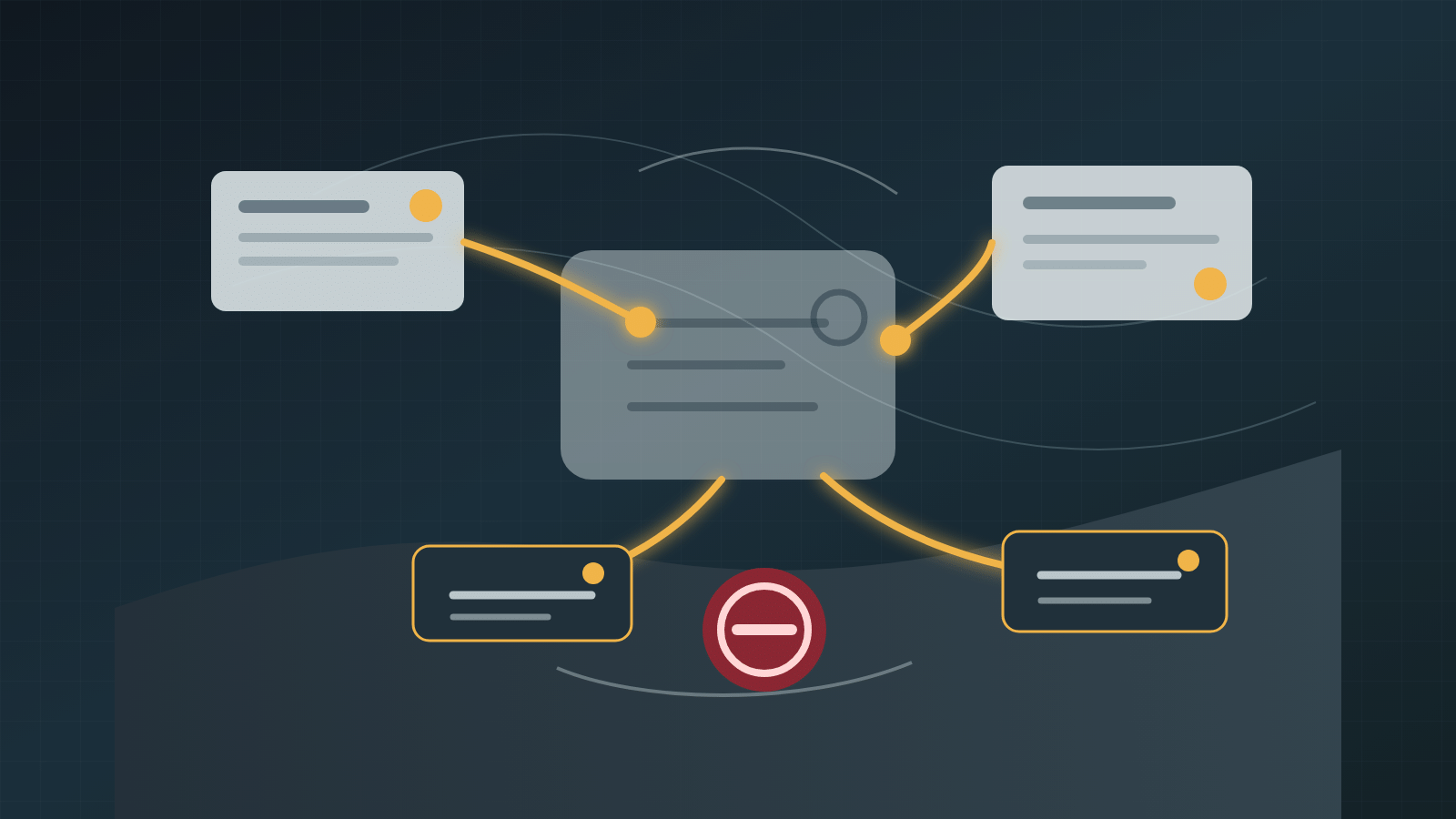

AI will not always look like a chatbot.
More often, it will appear as a draft in an email, a summary in a dashboard, a suggested next step in a CRM, a checked field in a form, or an alert inside a workflow someone already uses.
That can be good design. People do not need another destination every time software helps them. But when AI becomes less visible as an interface, the proof around its work has to become easier to inspect.
Keep the right evidence visible at the point where a person has to understand, verify, correct, challenge, approve, or stop the result. Low-risk automation does not need theatrical warnings, but consequential work needs inspectable proof.
Interface friction can disappear
Some AI work should feel quiet.
A system might draft a routine summary, sort low-risk items, compare two internal records, prepare a first pass of a report, or highlight missing evidence. The user should not have to copy everything into a separate tool and reconstruct the same context again.
That is the useful side of invisible AI: the assistance moves into the work.
But invisible should not mean untraceable.
Accountability cannot disappear
When an AI-supported workflow affects a decision, customer, employee, budget, commitment, access right, or operational record, the system needs visible controls.
At minimum, a reviewer should be able to see:
- whether AI shaped the output;
- which sources were used;
- which source governs when records conflict;
- what changed;
- what uncertainty or exception remains;
- who owns the decision;
- how the result can be corrected, challenged, or stopped.
Without that trail, the workflow may feel faster while quietly increasing review burden and risk.
Match visibility to consequence
Not every action needs the same level of disclosure.
Low-risk, reversible drafting can use lightweight provenance: a source note, a review marker, or a simple change record.
Medium-consequence work needs clearer evidence: source citations, named owner, confidence or freshness signal, and an escalation path.
High-consequence work needs conspicuous boundaries: AI involvement, governing source, accountable human, allowed actions, exception handling, correction path, challenge path, and stop authority.
The design question is what must remain visible for this role, this decision, and this consequence.
The proof trail is part of the product
Teams often treat proof as an audit feature added after the workflow works.
That is late.
The proof trail is part of the workflow design. It tells the user what happened, helps the reviewer reconstruct the path, and lets the owner improve the system after a miss.
If the proof trail is missing, people have to recreate it through meetings, messages, screenshots, and memory. That hidden reconstruction work is part of the real cost of AI.
A practical visibility checklist
Before embedding AI inside a workflow, answer these questions:
- What user-facing friction should disappear?
- What AI involvement still needs to be visible?
- Which sources may the system use?
- Which source wins when records conflict?
- What action is the AI allowed to take?
- What decision remains with a human?
- What evidence must remain after the action?
- What uncertainty or exception requires escalation?
- Who can correct the result?
- Who can stop or revoke the workflow?
- When will the design be reviewed again?
If those answers are unavailable, the workflow is not ready to become invisible.
Start with one bounded workflow
Pick one recurring task where AI already helps prepare, sort, draft, summarize, or alert.
Map the consequence level. Name the user. Name the accountable owner. Name the source set. Decide what can be hidden because it is only interface friction. Decide what must remain visible because it protects trust, correction, or authority.
Then test the workflow with someone who did not design it.
Can they tell what happened, where the evidence came from, who owns the decision, and how to challenge or stop the result?
If they cannot, the AI is not invisible in a mature way. It is just hard to inspect.
Invisible AI becomes useful when it removes the extra interface without removing the organization’s ability to understand and govern the work.
3 Comments
One small distinction could make this easier for the person using it: show what came from a record, what the AI filled in, and what it could not find. Those three things can look equally polished on the screen, but they should not carry equal weight in a decision. Quiet assistance still needs an honest way to say, 'I guessed here.'
I'd put those three labels right beside the result: from the record, AI suggestion, or missing. Then give the person one obvious way to correct or dismiss it. If they have to open a technical log to understand what happened, the proof is there for the system, not for the person doing the work.
That also makes me wonder when those labels need to become more prominent. A suggestion may start as low-risk, then get copied into a customer message, a budget decision, or a record people rely on. The workflow should make that change in consequence visible before the same quiet label starts carrying more weight than it was designed for.